UX & UI design
Make the interface clear around the tasks people need to complete.
Discuss your projectA clear brief. Work with a purpose.
An interface connects information with action. Navigation, screen structure and visual hierarchy should help people understand where they are and what to do next. Discuss the users, content and workflows before agreeing the design scope. The web and app projects below provide interface examples; research, testing and implementation responsibilities are agreed separately for each engagement.
What we can discuss
- User journeys and interface requirements
- Screen layouts and visual components
- Responsive interaction design
Plan the work around your requirements
Define the brief
Bring your audience, goals, existing materials and the decisions you need to make.
Agree the scope
Discuss deliverables, responsibilities, technical requirements and timing before work begins.
Prepare the handover
Identify the files, content, training or ongoing support your team will need to use the finished work.
Related project work
These projects are connected to ux & ui design in TROKIT’s portfolio. Open a case to see its context and deliverables.
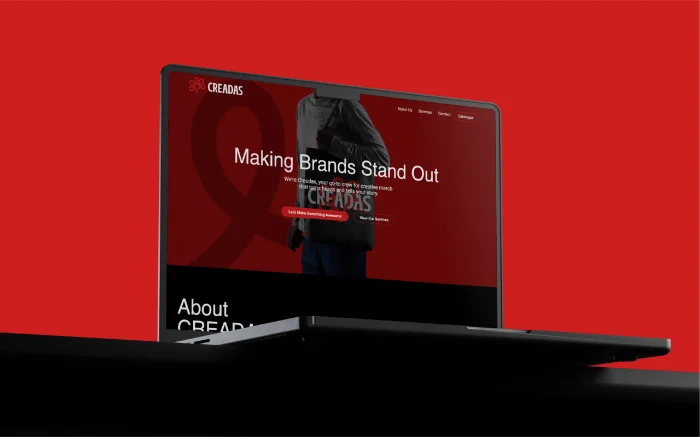
Creadas
Trokit has unveiled the new name and brand identity for Creative Data Strategy, an aspiring merchandising company based in California. The transformation introduces Creadas—a…
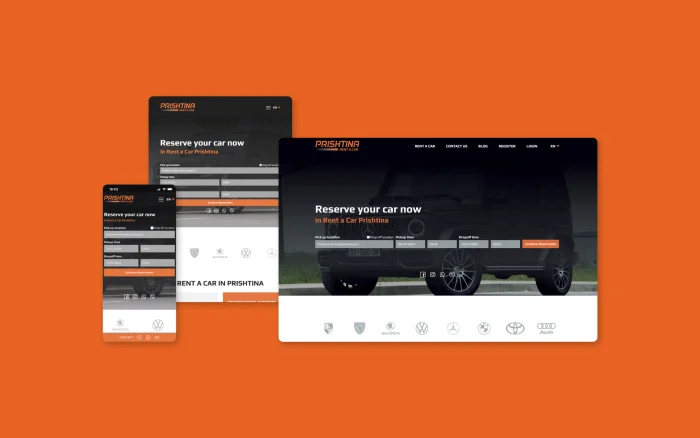
PRISHTINA RENT A CAR
In the rapidly evolving digital landscape, Prishtina Rent A Car is famous as a service for bringing innovation to operating businesses. With…

VAM
Since its founding in 1994, Vam Trade L.L.C. Pristina has become the main supplier of steel products in Kosovo and the region.…

Miamind – Bottneuro
In the nowadays dynamic landscape of healthcare technology, the intersection of innovation and compassion has given rise to groundbreaking solutions that redefine…

TrustNoteD
TROKIT created the brand identity and website for TrustNoteD, a Swiss digital solutions business. The project connects the company’s work in distributed…

Western Balkans Sports Medical Center
Every great brand begins with belief. In this case, a belief in movement, not just as physical motion, but as progress, recovery,…
Start with the right questions
What should an interface design brief explain?
Who will use it, the tasks they need to complete and the content or systems involved. Share existing screens and known problems so the design work can focus on the right journeys.
How are scope, timing and cost agreed?
Share your requirements, current materials and any deadline with TROKIT. The scope, responsibilities and delivery plan need to be agreed for your project before work begins.